



Step 1: Download a launcher ✧˖°
Pick a launcher to install the modpack with! ٩(◕‿◕。)۶
Step 2: Import the Modpack ⋆。˚
☆ PrismLauncher ☆
Open PrismLauncher and let's add the modpack~ (ノ´ヮ`)ノ*: ・゚✧
- Click Add Instance in the top-left corner
- Select Import from the left sidebar
- Download the modpack: Direct download or Torrent
- Click Browse and select the downloaded file
- Click OK to start the import
Step 2: Import the Modpack ⋆。˚
☆ Modrinth App ☆
Open the Modrinth App and let's add the modpack~ (◕‿◕✿)
- Click the + button at the bottom left
- Select From file
- Download the modpack: Direct download or Torrent
- Select the downloaded file
- Click Add to import
Step 2: Import the Modpack ⋆。˚
☆ CurseForge App ☆
Open the CurseForge App and let's add the modpack~ ٩(◕‿◕。)۶
- Go to Minecraft section
- Click Create Custom Profile
- Download the modpack: Direct download or Torrent
- Select Import and choose the downloaded file
- Click OK to import
Step 3: Launch and Add Server ✧・゚:*
Almost there~! (๑˃ᴗ˂)ﻭ
- Launch the instance and wait for mods to download
- Go to Multiplayer and Add Server if it is missing
- Enter the server address: terra.stellar.study
- Click Done and you'll see it in your list!
Step 4: Connect and Play! ♪(´▽`)
Let's gooo~!
- Select the server and click Join Server
- Hop on the Treehouse Discord, Yutzin's Hive Discord, or use the in-game voice chat!
- Have fun! ✧

Need any help? Message me 
What's in the Modpack? (⌐■_■)
Here's everything included~
| Mod | Description |
|---|---|
| Sodium | Performance boost |
| Iris | Shader support |
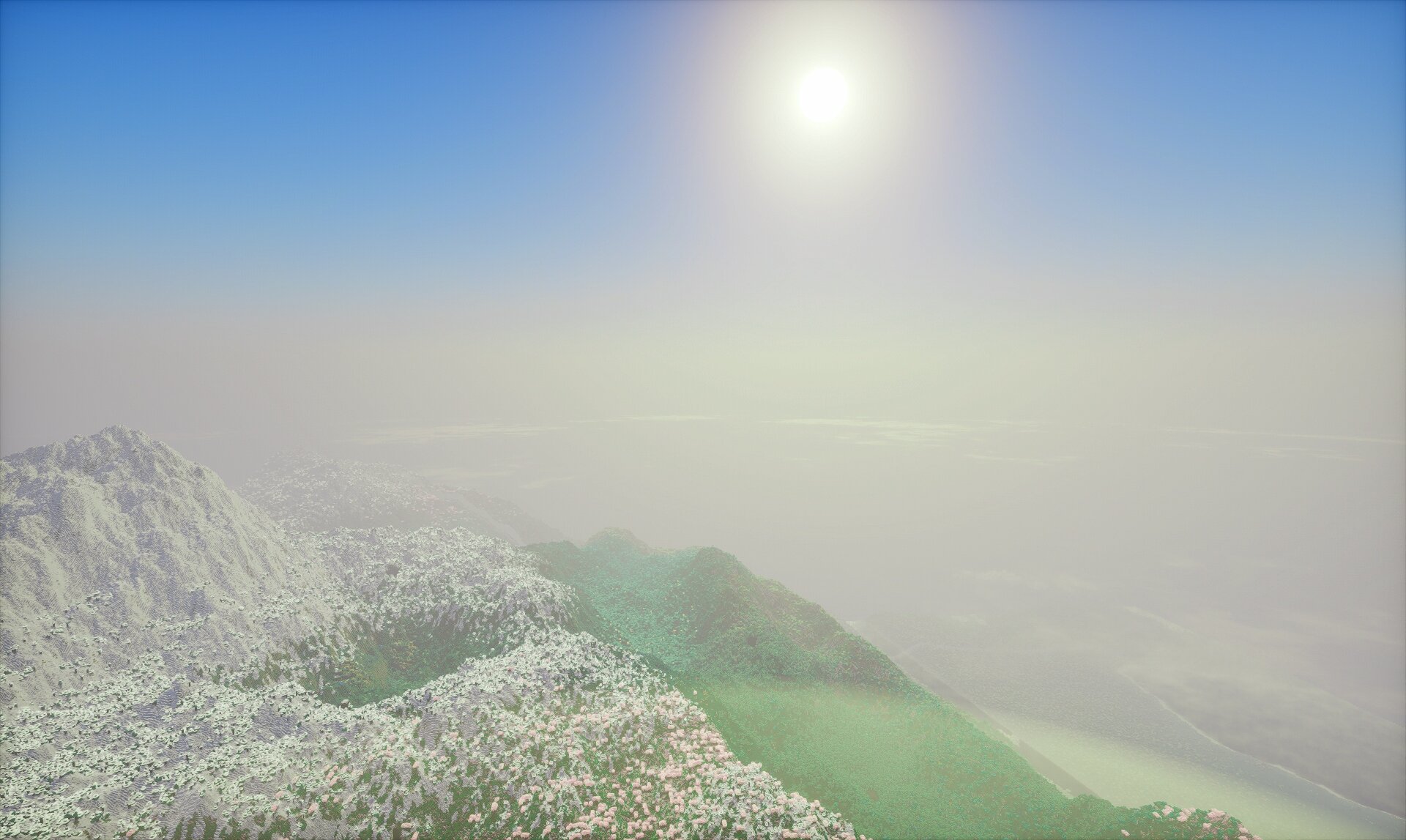
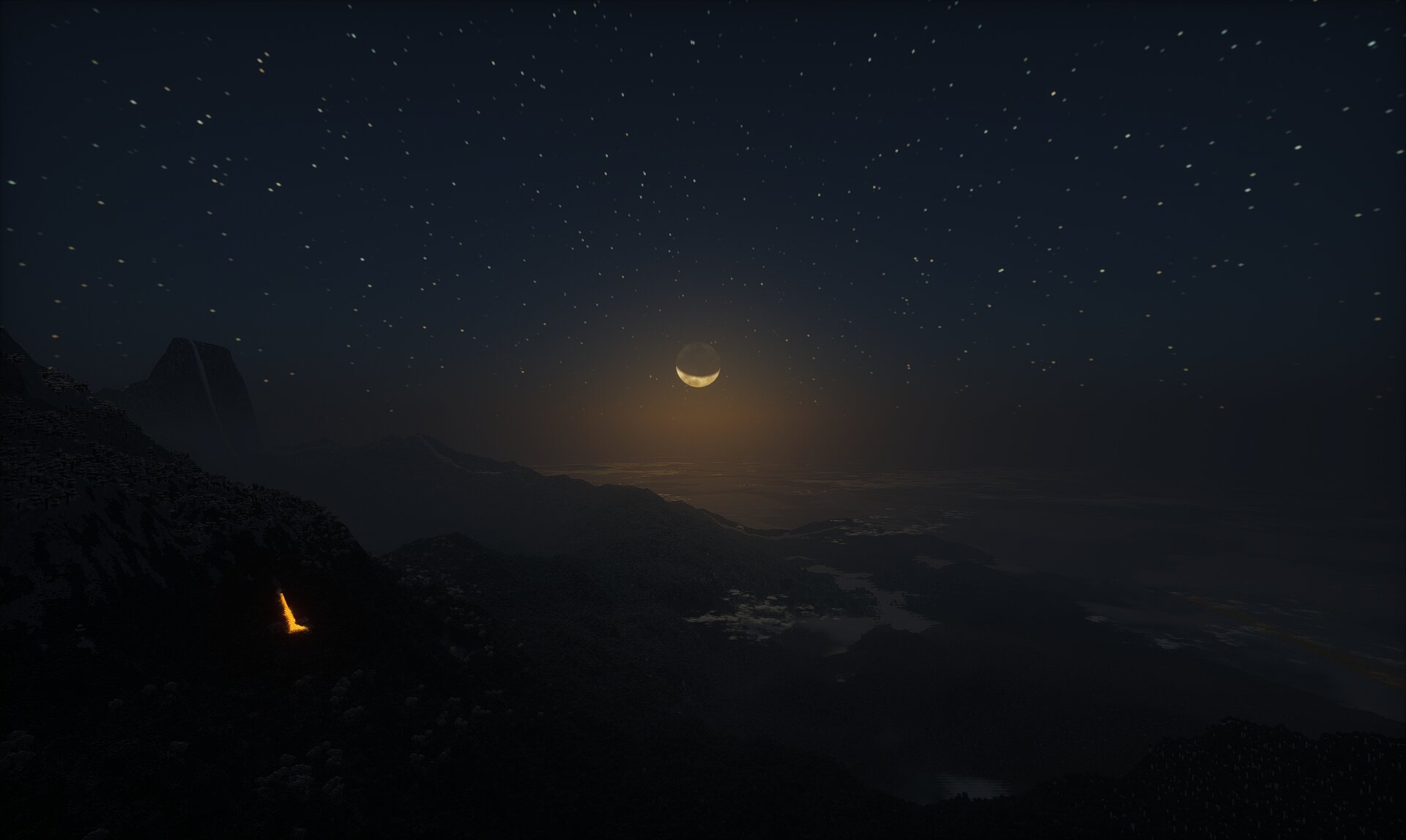
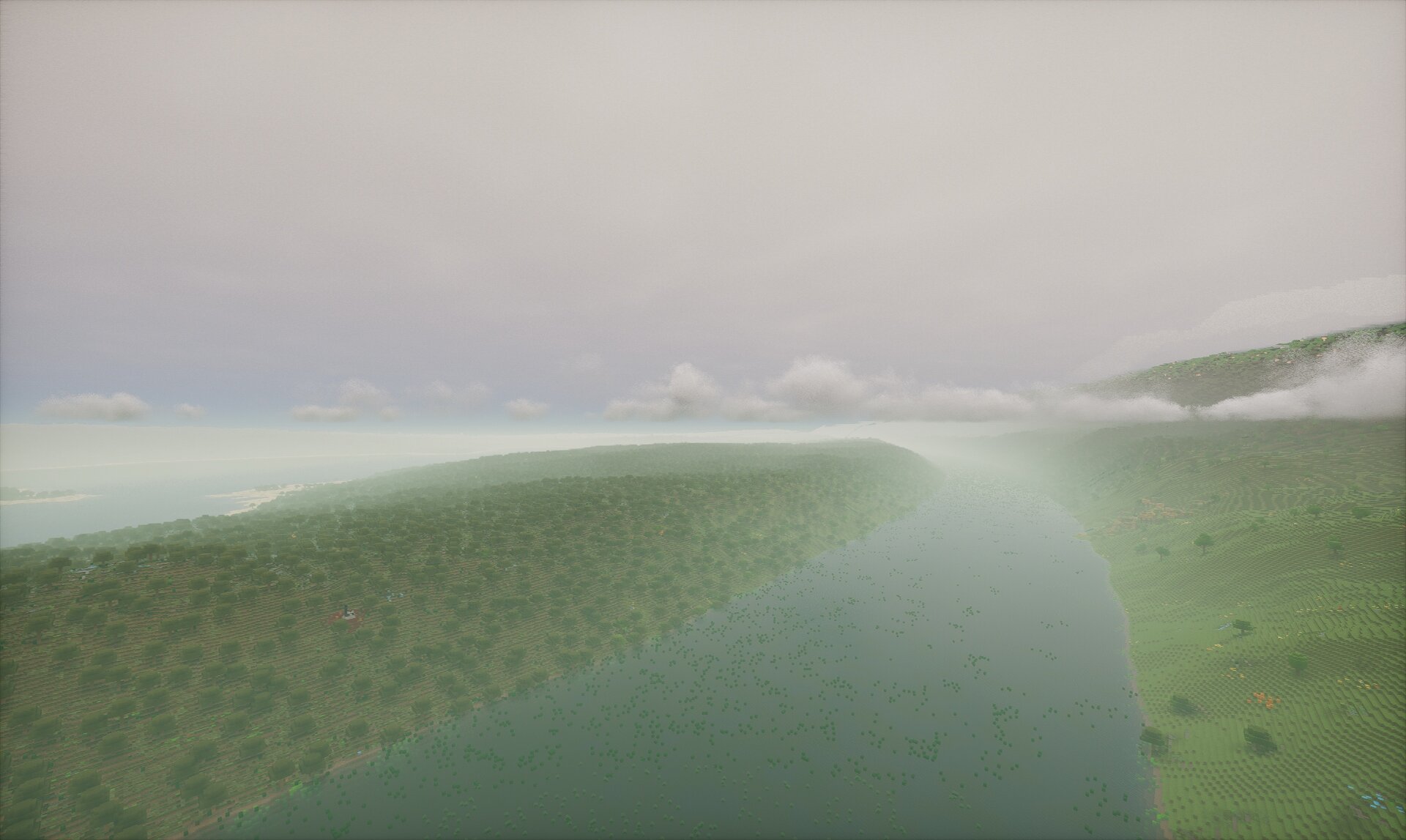
| BSL Shaders | Included shaderpack (turn on in Video Settings) |
| Distant Horizons | With pre-generated LOD-data |
| Plasmo Voice | Proximity-based voice chat (press V for settings) |
| Accessible Step | Auto-step up blocks (bind a key in-game) |
| Fabric API | Required for mods to work |